


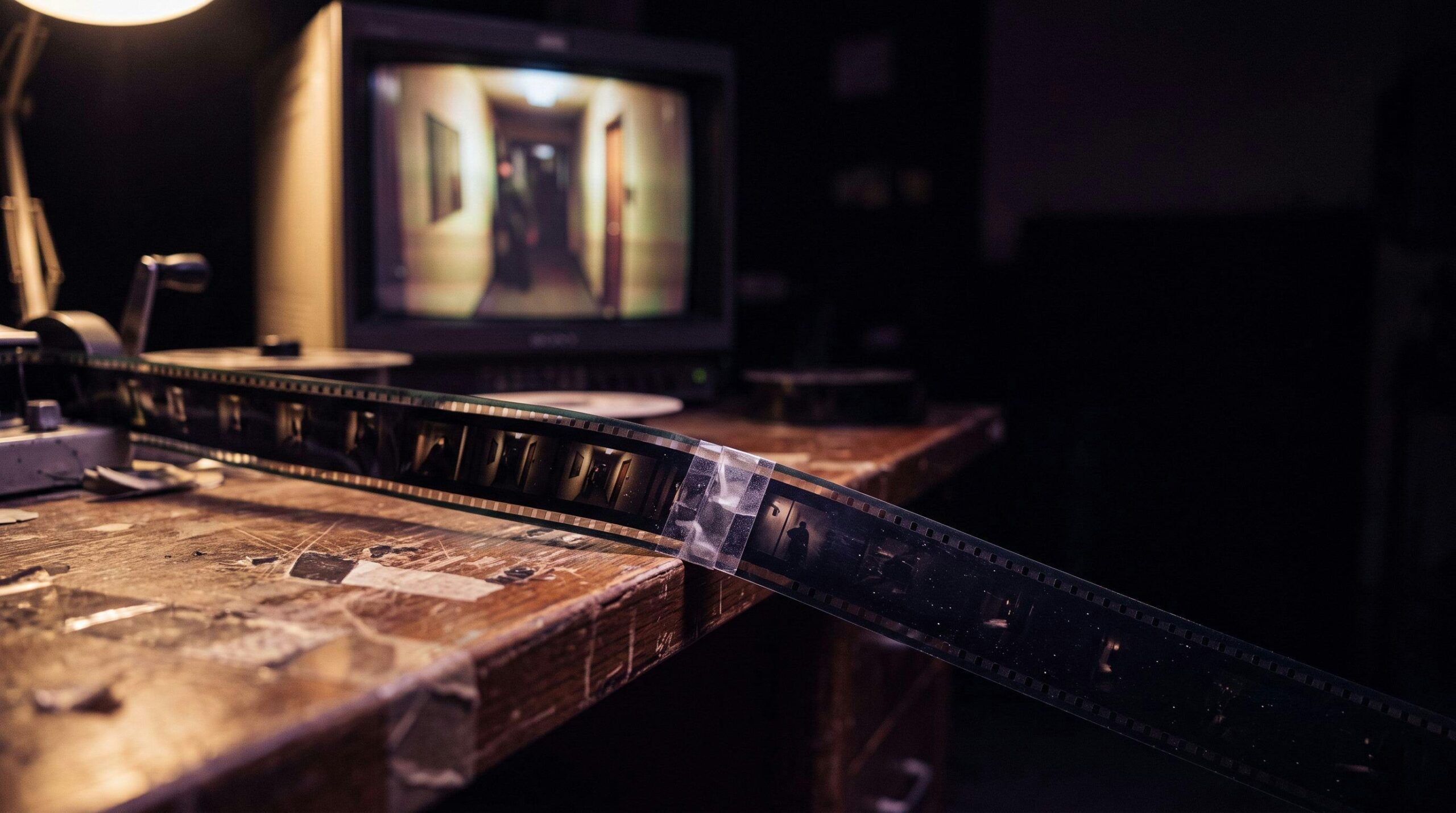
Every mainstream AI video model caps out somewhere between 8 and 15 seconds. Here’s the chaining workflow I actually run on Lost Garden, and where it quietly falls apart.
I generated a corridor walk for Lost Garden last month: my heroine moving toward a torch-lit doorway, cloak trailing behind her. The clip came out at eight seconds. The shot needed eighteen. So I did what every AI filmmaker eventually does: I hit “extend,” fed the last frame back in, and asked for more.
Here’s the short version: extending an AI video clip means feeding its last frame back into the model as the seed for the next segment, and every model that offers this caps how far you can push it before the drift gets worse than just cutting to a new shot. That’s the whole mechanic. The rest is judgment about when to use it.
Why do AI video clips have a length limit in the first place?
Every current text-to-video and image-to-video model generates a fixed window and stops. Runway’s Gen-3 Alpha produces 5 or 10-second clips (8 seconds on the Turbo model), Kling 3.0 tops out around 15 seconds per generation, and Google’s Veo 3.1 caps a single pass at 4, 6, or 8 seconds. None of this is an arbitrary business decision. It’s a compute and training-window limit: these models are trained to predict a fixed number of frames well, and quality falls off a cliff past that window if you just ask for more in one pass.
That’s the reason “extend” exists as a separate feature rather than a longer duration slider. It’s a workaround, not a native capability.
What actually happens when you “extend” a clip?
The mechanism is the same across Runway, Kling, and Veo: the platform takes the final frame of your clip, treats it as a fresh starting image, and generates a new segment from there, usually with a new short prompt describing what happens next. Runway allows up to four extensions per video, each adding another 5-to-10-second block, according to its own help documentation. Kling chains roughly 4-to-5-second blocks up to a 3-minute ceiling on paid plans. Veo 3.1 adds 7-second increments and, according to current reporting, supports as many as 20 chained extensions for a total near 148 seconds.
Twenty extensions sounds generous, until you understand what’s happening underneath.
Researchers call it exposure bias: a mismatch between training on clean, real footage and inference on the model’s own previously generated frames. Every extension feeds the model a frame it made up, not a frame it was trained on, and the small errors in that frame compound into the next one.
documents directly: as generation extends past the model’s native training window, quality degrades, contrast shifts, and identity drifts, because the errors from each generated frame become the input for the next. My cloak, my torchlight, my heroine’s face weren’t random glitches. They were the model quietly compounding its own small mistakes, three generations deep.
How do you chain AI shots without the drift wrecking the take?
The workflow I run now treats every extension as a place where drift can enter, not a free continuation:
- Export the last frame at full resolution before extending. Never a compressed preview: a soft or re-encoded frame gives the next generation a worse starting point than the model actually produced.
- Keep the reference image (face, wardrobe, world) in hand and re-anchor it at every extension. Don’t rely on the chained frame alone to carry identity forward.
- Cap it at two extensions before you stop trusting the shot. Past that, the visual cost of drift usually outweighs whatever editing time you saved by not cutting.
- Favor static or simple-motion scenes for chaining. A locked-off corridor walk survives extension far better than a shot with camera movement, because the model has less to reconstruct wrong.
- Log which extension a frame came from, the same way you’d log a model version or a seed. If a shot looks slightly off two weeks later, you’ll want to know whether it’s an original generation or a third-generation extension.
This is the same discipline I put into ScreenWeaver’s shot notes: an extension isn’t a free continuation of a shot, it’s a new generation with its own record, chained to the one before it.
Extending is the right tool for a narrow case: a simple, mostly static shot that just needs a few more seconds and doesn’t have dialogue or a camera move to protect. Outside that case, cutting almost always wins.
- Any shot with camera movement. Pan, dolly, or handheld motion gives the model more surface area to get wrong on each extension, and drift shows up in the movement itself, not just the image.
- Dialogue or lip-sync shots. A face that’s already been asked to talk is the worst candidate for a third-generation extension; small drift in mouth shape reads immediately as wrong.
- Anything that’s supposed to match a previous shot exactly. If continuity with an earlier clip matters, generate a fresh shot from your locked reference image instead of extending an unrelated take toward it.
A four-second static insert, cut in the edit next to your extended shot, is almost always cheaper and safer than a third extension. It’s the same math I keep running into with this whole way of working: generation is cheap, and the real cost is time spent fixing a shot that should have been cut instead.
Runway’s homepage. Its Extend feature caps at four extensions per video.
How many times can you extend an AI-generated video clip?
It depends on the model. Runway allows up to four extensions per video. Kling chains toward a roughly 3-minute total on paid plans. Veo 3.1 supports up to 20 chained extensions for close to 148 seconds. In practice, visible drift usually shows up well before any of those hard limits.
Does chaining cost more than generating a longer clip natively?
Usually, yes, in both credits and time, since each extension is billed as its own generation and each one needs a quality check before you trust it. Native longer generations, where a model supports them, are typically the cheaper and cleaner option when they’re available.
Is there a way to stop drift entirely?
Not yet, on any commercial tool. Research into mitigating drift in autoregressive video diffusion is aimed at exactly this problem, but it hasn’t shipped in a consumer product as of 2026. Until it does, re-anchoring with a locked reference image and capping extensions is the practical fix.
The scene that actually held
I ended up re-shooting the corridor walk from scratch: same reference image, same lighting note, generated as one clean 8-second Kling pass instead of a chained extension, then cut against a second angle for the extra distance instead of asking one shot to cover all eighteen seconds. It took less time than the three extensions I’d already burned trying to save the first take.
The AI model gave me a beautiful eight seconds. Turning it into eighteen was a decision, not a button. That part is still direction, and it’s still yours.
If you’re building a film with a stack of these tools, ScreenWeaver is where I keep the reference image, the extension log, and the extend-or-cut call attached to each shot instead of scattered across a file browser. It’s also where the Lost Garden corridor scene, extensions and all, actually lives.
