


Apple launched the Final Cut Pro 13.0 update, bringing thousands of new reoks like, what it adds, and where it excels
Less than a year after the 12.0 build, we’re getting the 13.0 release. It’s welcomed after years being neglected with rare and infrequent updates.
Things picked up even more when in early 2026, Apple acquired plugin maker MotionVFX.
I’ve been testing out the new release for the past two weeks and am very pleased with everything that Apple has built.
Small but meaningful
It’s relatively small, but Apple added a new interface tweak that I’m loving. In the preview window, you used to have to choose predetermined values from a drop-down if you wanted to zoom in or out of your footage.
I’d usually default to “fit,” but you could also choose a percentage like 50%, 100%, or 200%. This update finally lets you pinch in and out to zoom in and out on that window.
Instead of using the drop-down, you can pinch in and out with your fingers
Timed perfectly with the new touchscreen MacBook Pros, this works both on the screen and on the trackpad. When editing, I often have to get close to see my edits or zoom out to see something oversized.
It feels very natural and like one of those features that I’m shocked hasn’t been implemented before. This speeds up editing a lot for me.
When editing, Final Cut Pro makes it easier to identify when clips are connected. If you select a clip, all connected clips now highlight.
This is especially useful for those new to editing, who won’t be surprised when they try to move a clip and the others come with it. I’ve also gotten surprised before when a clip overlaps by just a frame or two and I don’t notice until I’ve inadvertently moved the whole thing.

Connected clips can now be highlighted and disconnected
If you don’t want clips to move together, you can disconnect them. Right-click the primary clip and select “Disconnect Connected Clips.”
Now, you’re free to slip and slide the primary clip, move it, or delete it completely. The previously connected clips will stay where they were and adjust to the new timeline.
Keyframes have gained a long-sought feature: easing. Working on any native animations and many third-party plugins, keyframe easing gives you quite a bit more control over how the animations look.
You can have them come in fast and then slow down just at the end or go slow before speeding up. You can see the animations on the preview screen and adjust them with Bezier curves.
Another feature users have been relying on third-party plugins for is applying motion blur. This is something you get when filming that makes your shots feel more cinematic.

Comparing the natural motion blur effect
A lot of iPhone videos will lack motion blur because the shutter speed is so fast as there is no way to increase the aperture and limit light. On a bright day, the only way to prevent the video from being blown out is to increase the shutter speed which results in sharper frames and less natural blur.
Plugins provide a way to apply this effect in post, mimicking the real thing. Apple is now building this in natively with the 13.0 release.
In the Inspector, you can toggle on natural motion blur and adjust how much you want to apply. It’s not the best version I’ve seen of this, but it helps a lot to have it built right in.
Finally, Apple is adding new transcription options. Transcription is available in several new languages and locales, and search works across languages so it’s easy to find your clips.
More value for Creator Studio
Everything I’ve walked through thus far carries through for the standard version of Final Cut Pro. Those who purchased the app outright gain all those enhancements.
Anyone who subscribes to Creator Studio gains even more features, which are so valuable, they may warrant the price of Creator Studio on their own.
Starting off Apple has added the Content Hub. This new menu provides a wealth of royalty-free images, videos, and backgrounds.
The amount of stock footage is admittedly a bit limited. It’s a tough feature to tackle because content can look stale fast.
Content Hub is nice, but somewhat limited
For example, while the volume of clips looks decent, if you look for something common, there aren’t a ton of options. Searching for videos of airports gives you 10 to choose from ranging from 9 to 24 seconds.
None of those show people, queues, security screenings, waiting areas, or any of the other things you may need when working on a video that requires an airport shot. One unloading baggage, one aerial shot, a couple of cockpit shots, and a few of planes.
This falls under the category I call “welcomed and nice to have, but I will be expecting more content to be added to be truly valuable.”
I’m happy to see Apple provides a lot of sorting options, including winnowing down resolution, codec, orientation, and frame rate. Each clip can be previewed, before being added to your browser with your chosen quality settings.

You can now move images from Final Cut Pro to Pixelmator Pro and back again
The next addition is round tripping for Pixelmator Pro. When you have a still image in Final Cut Pro, there’s a new button that allows you to open it directly in Pixelmator Pro.
After you’re done editing it, there is a button to send it back to Final Cut Pro. A new image will replace your original one and be added to your browser.
The original image is not deleted and you can see both of them in the browser. In your timeline, the new image is denoted as having been edited so you know what you changed.
I deal with a lot of logos, and I’ve loved using this to remove backgrounds. I’ll drop an image into Final Cut Pro, only to realize I need to make that small tweak.
It’s super fast to go directly to Pixelmator Pro and back again without having to manually open any other apps. Just another way your workflow is getting sped up.

One of the may tools within MotionVFX
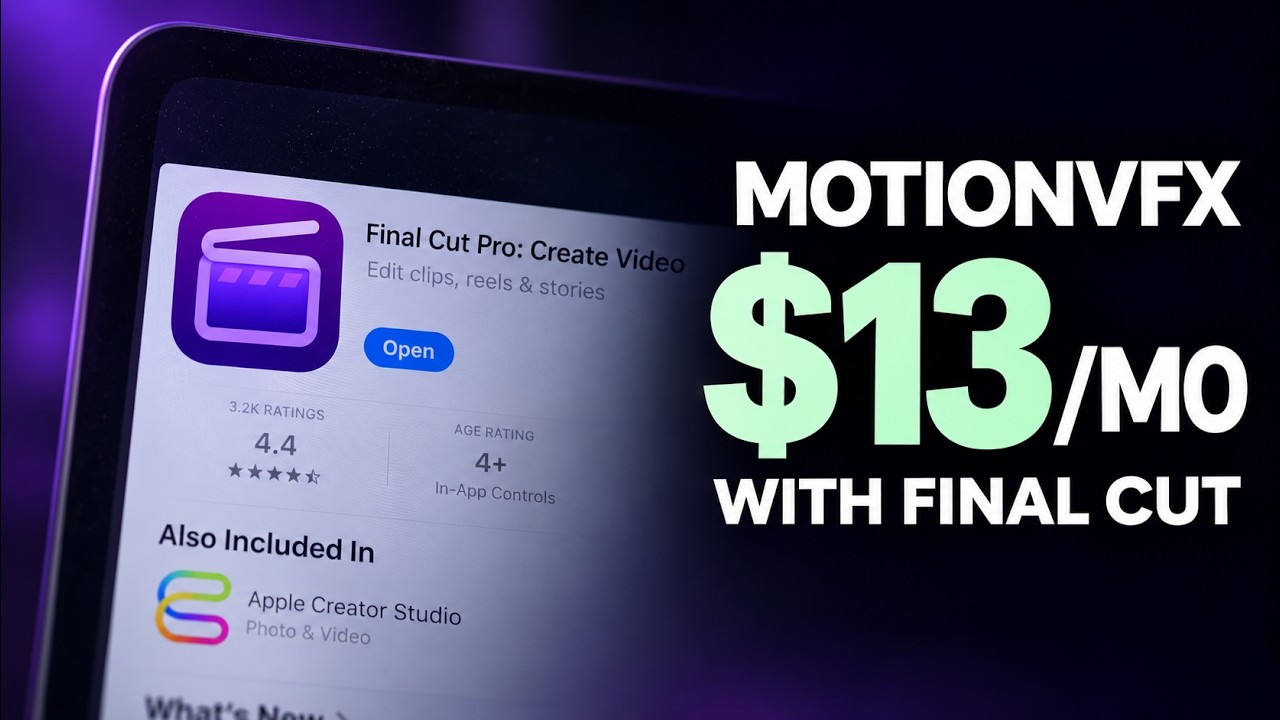
Finally, the single biggest addition to Final Cut Pro 13 is nearly the entire library of MotionVFX. What can cost users $29 to $69 a month through MotionVFX, is now bundled as part of Creator Studio for $12.99 a month.
MotionVFX brings thousands of motion design elements to users, including trackable elements, transitions, generators, and so much more. It’s incredible.

The MotionVFX hub is added to Final Cut Pro with version 13.0
I’ve been a user of MotionVFX for years and I had hoped this is exactly what Apple was going to do. The only parts of MotionVFX missing are the mCaptionsAI and mUpscalerAI.
This could be due to their AI reliance which carries additional costs. I wouldn’t be surprised to see these added in the future as Apple figures out its Apple Intelligence pricing.
The new MotionVFX plugins live in the top-left corner of the app next to your libraries, titles, and media libraries. There is something for everyone from broadcast-ready intros to full cinematic themes.
Tools that come with MotionVFX for Creator Studio users
There are different tools too, like a rotoscope and 3D trackers. There are lens flares, puppet controls, and map highlights.
After updating, I recommend spending a considerable amount of time digging through this library to see the different ways you can enhance your footage.
If anyone was using MotionVFX and not paying for Creator Studio, this should be the straw that broke the camel’s back. Unless you need the upscale or caption tools, it’s half the price for Creator Studio and you get all of the other apps.
Available now
This new update is available to download now for both Mac and iPad. Almost all features are available on both platforms except MotionVFX which is limited to the Mac.
Like I said, this update is a wild value-add. If you didn’t use MotionVFX before, this update brings so much fresh content to the app.
Along with the other improvements to Creator Studio across Pages, Keynote, Numbers, Pixelmator Pro, and Logic Pro, this is one of the best updates Apple has shipped to its pro apps.
