


SammyGuru is reader-supported. We have affiliate and sponsored partnerships, so we may earn a commission when you buy through links on our site — at no extra cost to you. Learn more.
September 18, 2026 • 8 min read
Add as preferred
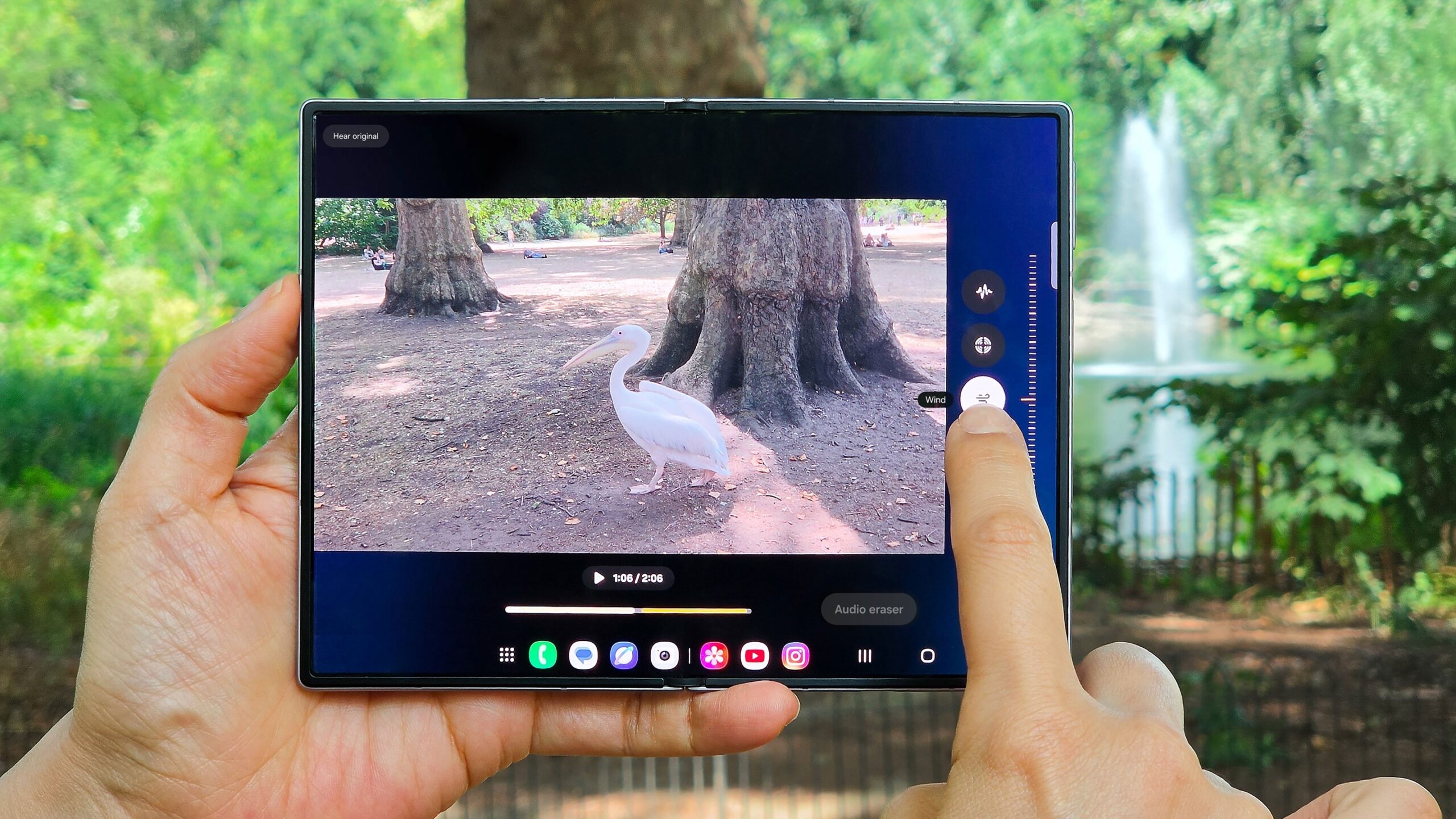
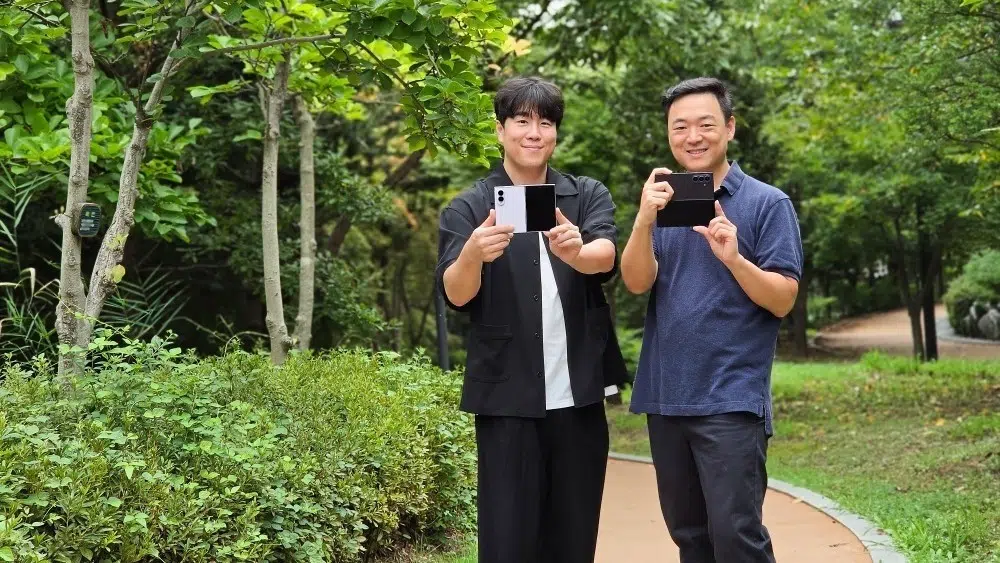
Samsung is taking Portrait Video a step further with its latest foldables. It introduced improved background blur and more realistic lighting effects designed to recreate the look of professional camera lenses. The company has now revealed how its engineers developed the technology, combining artificial intelligence with research into real camera optics to produce more natural-looking videos.
Rather than simply blurring everything behind your subject, the enhanced Portrait Video feature considers the distance between objects, how light behaves, and even the finer details around someone’s hair or glasses. But what does all this actually mean when you’re filming with your Galaxy phone? Here’s your answer.
Portrait Video is more than just background blur
Most of us are familiar with Portrait mode in smartphone photography. It keeps your subject sharp while blurring the background, creating the appearance of a photograph taken with a professional camera. Portrait Video applies a similar effect to moving footage, although achieving convincing results is considerably more complicated.
SammyGuru September 2026 Giveaway
Smartwatch of your choice, up to $499
6,250 entries so far.
A traditional camera with a large-aperture lens creates background blur naturally through its optics. Objects at different distances become progressively softer, while small points of light turn into the blurred shapes known as bokeh. Smartphones have much smaller camera systems, making it difficult to reproduce the same appearance through hardware alone.
Samsung’s latest Portrait Video technology attempts to recreate those optical characteristics using AI and software processing. The result is a background that should look more naturally out of focus, rather than appearing as though someone has simply applied a blur filter to the entire scene.
For example, imagine filming somebody sitting at an outdoor café. The person remains sharp, nearby tables become slightly blurred, and the buildings or lights further behind them appear progressively softer. It’s a relatively subtle difference, but one that can make footage feel more like it was recorded with a dedicated camera.
How Samsung recreates the look of a professional camera lens
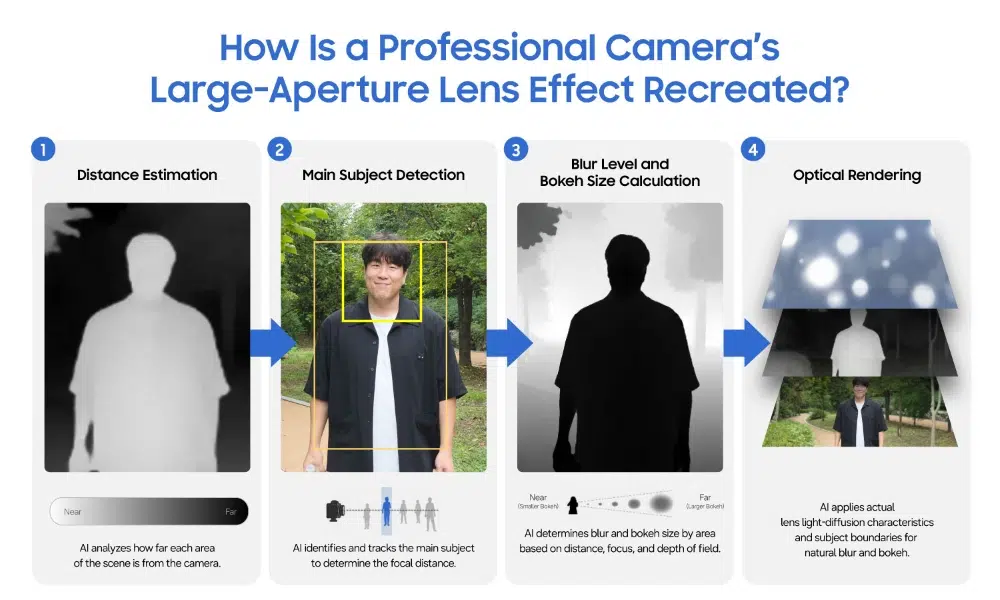
According to Samsung, its Research team began by studying how light travels through real large-aperture camera lenses. The engineers analysed the characteristics of background blur and bokeh, converting their findings into data that could be used by the phone’s image-processing system.
That information is combined with AI-generated depth estimates, allowing the software to determine how far different objects are from the camera. Instead of applying the same amount of blur everywhere, the phone can adjust the effect according to the distance between the subject and background. Bright points of light are also treated differently from ordinary background objects.
Think of Christmas lights behind someone, sunlight shining through trees, or streetlights during an evening walk. With a large-aperture camera lens, those lights can become soft, rounded highlights. Samsung’s technology attempts to reproduce that effect digitally, including how the size of the bokeh changes with distance.
It’s an interesting approach because the company isn’t simply trying to make the background blurry. It’s attempting to recreate some of the characteristics that give individual camera lenses their distinctive appearance.
Getting the small details right
One of the biggest problems with computational Portrait Video is separating the subject from everything behind them. You might have noticed this yourself when recording portrait footage on a smartphone. Individual strands of hair can disappear into the background, glasses sometimes lose their edges, or parts of the scenery remain strangely sharp. These errors become particularly noticeable when the subject moves.
Samsung tackledthe problem by using twond the visible edges preserved in the original footage. Working with both allows the phone to make a cleaner distinction around difficult details, including loose strands of hair and the narrow edges of glasses
The development team also tested the technology under different lighting conditions, distances, and movement scenarios, refining the processing and training data to improve consistency. The aim is to make the effect look less like a person has been digitally cut out and placed in front of a blurred background.
Of course, Samsung’s demonstration footage has been carefully selected. We’ll need to see how consistently the improvements hold up during everyday recording, particularly with fast-moving subjects, messy backgrounds, and difficult lighting.
You can change the focus after recording
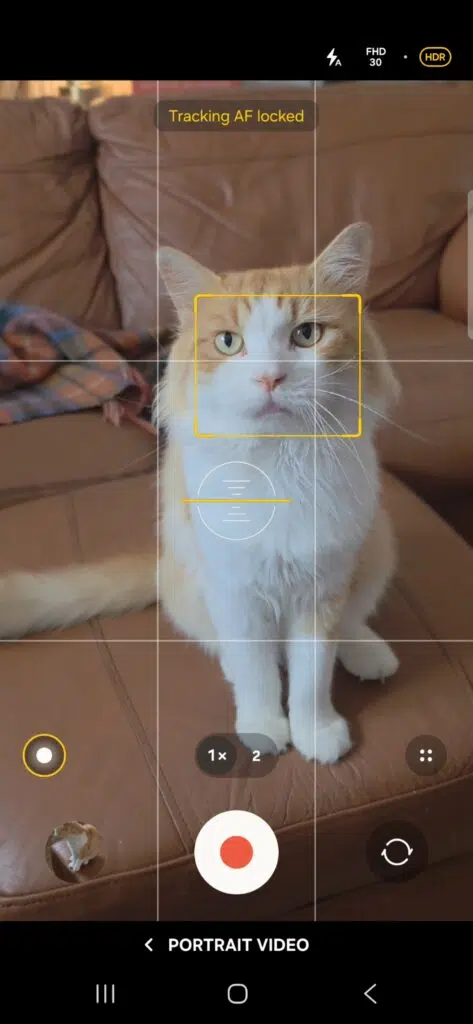
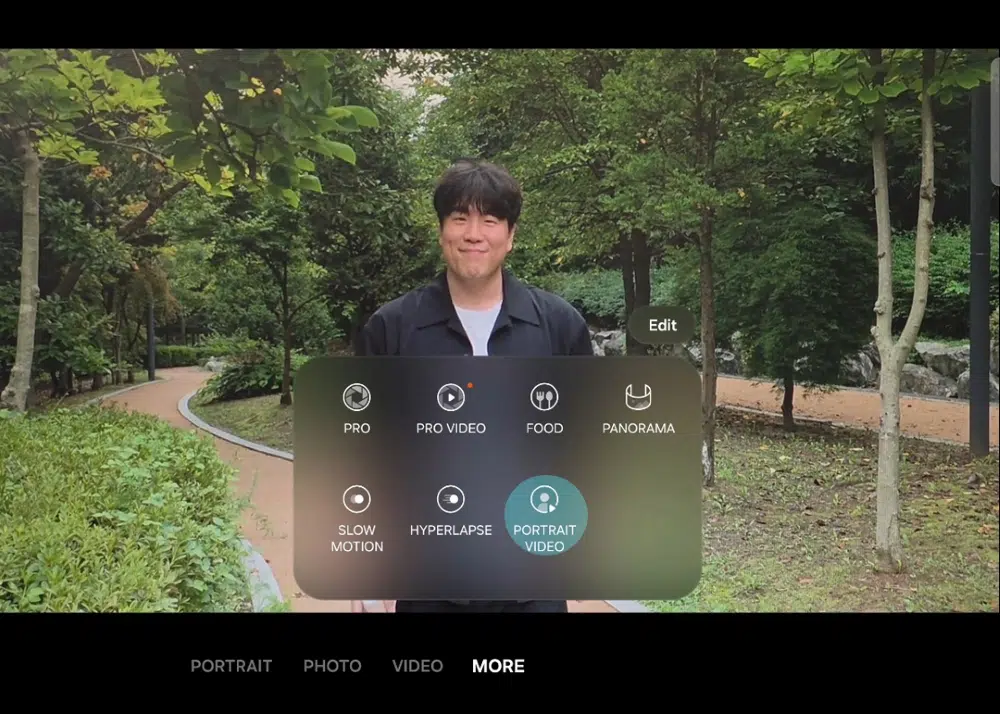
One of the more useful aspects of the enhanced Portrait Video feature is that you don’t have to get everything right while filming. Samsung allows users to change which subject is in focus after recording, giving you some flexibility if you decide that somebody else should be the centre of attention. The background blur can also be adjusted, with levels ranging from 0 to 7. To access the feature, open the Camera app, select More, and choose Portrait Video.
This could be particularly handy when recording a conversation between two people, filming a family gathering, or creating a short video for social media. You might initially focus on one person, then decide that another subject deserves more attention when reviewing the footage. Rather than having to record the entire scene again, you can make adjustments to the existing video.
Face detection also allows the camera to move its attention to somebody else in the frame if the original subject looks away. That could make a noticeable difference when filming people who aren’t standing perfectly still or looking directly at the camera.
Keeping everything running smoothly in 4K
Recreating these effects is only part of the challenge. Unlike a photograph, video requires the phone to process a continuous stream of images while maintaining consistent results between frames. Producing the effect continuously at 4K resolution places a heavy load on the phone, so Samsung had to control both energy use and the heat created during recording.
The engineers concentrated the available processing power on changes viewers could actually see, while simplifying less noticeable parts of the workload. The company says this approach allows Portrait Video to maintain stable performance during extended recording sessions.
However, Samsung hasn’t provided independent battery consumption figures or detailed recording-duration comparisons, so it’s difficult to establish exactly how much more efficient the improved processing is. For anyone recording longer videos, that will be worth paying attention to.
How to get better results with Portrait Video
Samsung’s engineers have also shared some advice for getting the most out of the feature. For a stronger effect, try placing a few clearly visible lights behind the subject in an otherwise dimmer scene. Christmas decorations, sunlight filtering through leaves, and streetlights can all create more noticeable bokeh.
Samsung also recommends experimenting with side or backlighting instead of illuminating the person strongly from directly in front. This can illuminate the edges of their hair and body while helping the background highlights stand out. You’ll still want enough ambient or reflected light to keep their face properly exposed.
It’s also worth experimenting with the blur settings rather than immediately selecting the strongest effect. A little background separation can sometimes look more convincing than an extremely blurred scene, particularly when filming people moving around.
Is Samsung’s enhanced Portrait Video worth using?
Samsung’s latest improvements are interesting because they focus on making an existing camera feature look more natural rather than introducing another completely separate AI tool. The ability to adjust focus after recording adds genuine flexibility. Moreover, the improved depth processing and bokeh could be particularly useful for portraits, travel videos, and social media content.
It won’t suddenly turn a Galaxy phone into a professional camera. Larger sensors and physical lenses still have advantages, particularly when it comes to natural optical depth of field and challenging lighting. However, if Samsung’s improvements work as consistently as its demonstrations suggest, Portrait Video could become a genuinely useful alternative for anyone who wants more cinematic footage without carrying additional equipment.
Everything on the Galaxy Z Fold 8: specs, features and updates in one place, kept current in our Samsung Galaxy Z Fold 8: Everything You Need to Know.
← PreviousGemini Live Could Soon Let You Keep Video Chats TemporaryNext →Baseus Picogo AM52 Qi2.2 Power Bank Falls to $55.98 on Amazon
